





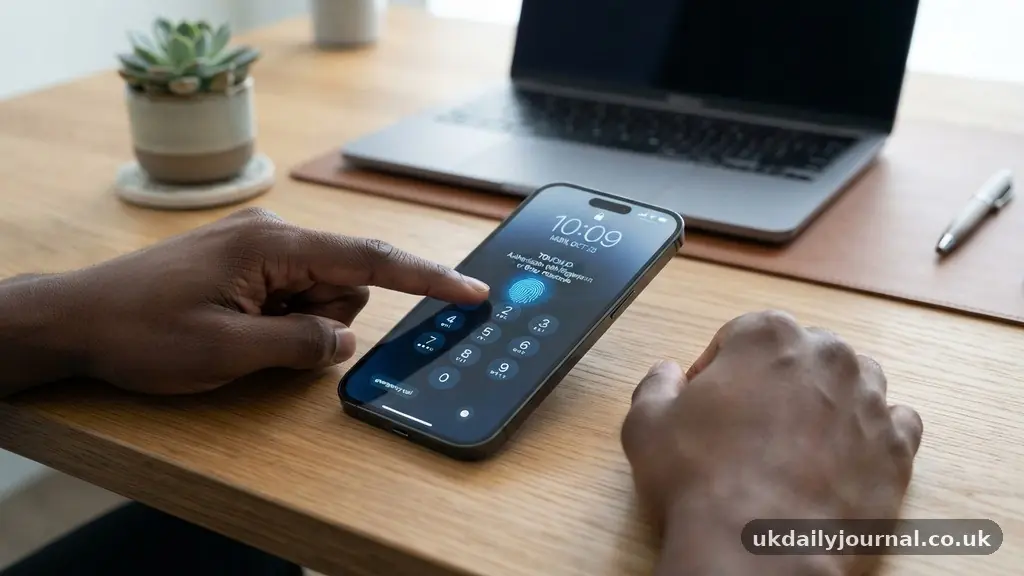
Learning how to keep your smartphone safe from common online threats is essential in an era where our mobile devices hold more sensitive information than ever before. From banking credentials to private photos, the data stored on your phone is a primary target for digital attackers.
By understanding the specific risks and implementing straightforward defensive measures, you can significantly reduce your vulnerability to hacks and phishing attempts. This article provides the practical steps you need to secure your device, protect your personal information, and maintain your privacy while browsing the web or using mobile applications.
Immediate Steps to Lock Down Your Device
The most effective way to start keeping your smartphone safe from common online threats is by enforcing strict access controls. You should never rely on simple, predictable passcodes like “1234” or “0000” because these are the first combinations attackers attempt. Instead, opt for a complex alphanumeric password or a long, unique PIN that is not associated with your birthdate or common sequences.
Biometric security, such as fingerprint scanning or facial recognition, adds a vital layer of defense. While these methods are convenient, they should always be paired with a strong backup passcode.
If your device offers two-factor authentication for the lock screen or specific secure folders, enable these features immediately. These settings ensure that even if someone physically obtains your device, they cannot easily bypass the primary security barriers.
Recognizing Phishing and Malicious Links
Phishing remains one of the most prevalent dangers for mobile users. Attackers often send messages via SMS, email, or social media that mimic legitimate companies, such as your bank or a streaming service. These messages typically create a false sense of urgency, claiming your account has been compromised or that you need to verify your identity.
Never click on links in unsolicited messages, regardless of how official the sender appears. If you receive a notification about an account issue, close the message and navigate directly to the company’s official app or website through your browser. By typing the URL manually, you ensure that you are interacting with the genuine platform rather than a fraudulent site designed to harvest your login credentials.
Why Software Updates Matter for Security
Operating system updates are not just about new features or better battery life. They contain critical security patches that fix vulnerabilities discovered by researchers and engineers. When a manufacturer releases an update for your Android or iOS device, it often closes a “door” that hackers have learned to exploit.
Ignoring these updates leaves your device exposed to known threats that have already been documented and patched. You should set your phone to download and install updates automatically whenever possible. If you are using an older model that no longer receives security support, it is time to consider upgrading to a newer device to ensure you have the latest protections against modern exploits.
Managing App Permissions and Privacy
Every app on your phone requests specific permissions to function, such as access to your location, contacts, or camera. A flashlight app that asks for access to your call logs or contact list is a major red flag. You should audit your app permissions regularly to ensure that you are not granting unnecessary access to your personal data.
How to Review Permissions
On most devices, you can navigate to your settings menu and find a dedicated section for “Privacy” or “Apps.” From there, you can see exactly which applications have access to sensitive hardware or data. If you find an app that is asking for information it clearly doesn’t need, revoke those permissions or delete the application entirely.
The Risks of Public Wi-Fi Networks
Public Wi-Fi is incredibly convenient, but it is also a playground for cybercriminals who want to intercept your data. When you connect to an open network at a coffee shop or airport, your unencrypted traffic can be monitored by anyone else on that same network. This is known as a “man-in-the-middle” attack, where the attacker positions themselves between your device and the server.
If you must use public networks, always utilize a Virtual Private Network (VPN). A reliable VPN encrypts your internet connection, ensuring that even if someone manages to intercept your data packets, they cannot read the contents. You can find more information on the risks of unsecured connections through resources like the Cybersecurity and Infrastructure Security Agency.
Comparing Common Security Methods
To understand the effectiveness of different defensive strategies, it helps to see how they stack up against specific types of attacks. Not all security measures are created equal, and some are far more effective at stopping automated threats than others.
| Security Method | Primary Benefit | Best Against |
|---|---|---|
| Strong Passcode | Prevents physical access | Device theft |
| Two-Factor Authentication | Verifies identity | Credential theft |
| VPN Usage | Encrypts traffic | Network sniffing |
| App Auditing | Limits data exposure | Malware/Spyware |
Common Signs Your Phone Might Be Compromised
It is not always obvious when your phone has been infected with malware or accessed by an unauthorized party. However, there are several indicators that something is wrong with your device’s security status. If you notice these symptoms, it is time to investigate and take action.
- Your battery drains significantly faster than it used to, even with light usage.
- You notice apps you do not remember installing appearing on your home screen.
- Your phone becomes excessively hot, even when you aren’t using demanding applications.
- You receive unexpected pop-ups or advertisements while using the browser.
- Your data usage spikes suddenly without any changes in your browsing habits.
If you spot these signs, start by checking your battery usage statistics to see if a background process is consuming resources. If you still cannot identify the cause, consider performing a factory reset after backing up your essential files. This will wipe the device clean and remove any malicious software that may have been installed.
Frequently Asked Questions About Mobile Security
What is the best way to run a security check on my phone?
Most modern smartphones have built-in security features that run automatically. For Android, use “Google Play Protect,” which scans your apps for malicious behavior. On iOS, keeping your software updated is the most effective way to ensure the system is secure.
Should I install a third-party antivirus app?
On most modern devices, a third-party antivirus is not strictly necessary if you stick to official app stores and keep your OS updated. However, if you are prone to downloading files from non-official sources, a reputable security app can provide an extra layer of real-time scanning.
How do I know if my accounts are being accessed elsewhere?
Check the “Security” or “Login Activity” pages of your primary accounts, such as Google, Apple, or your bank. These pages usually list the devices and locations currently signed in. If you see a location you don’t recognize, sign out of that session and change your password immediately.
Is it safe to save passwords in my browser?
Using a built-in password manager is generally safe as long as your device itself is locked with a strong passcode or biometric authentication. However, dedicated, encrypted password manager apps often offer more advanced features and better security portability across different devices.
Conclusion
Securing your mobile device is an ongoing process rather than a one-time task. By staying informed about the latest techniques for keeping your smartphone safe from common online threats, you build a habit of vigilance that protects your personal data. Remember to keep your software updated, use unique passwords for every account, and be skeptical of unsolicited links or requests for information.
Taking these steps today creates a much safer digital experience for the long term. If you feel overwhelmed, start with just one or two changes, like enabling two-factor authentication or setting up a stronger passcode. Your digital safety is worth the effort, and small, consistent actions will pay off significantly in the security of your private information.