




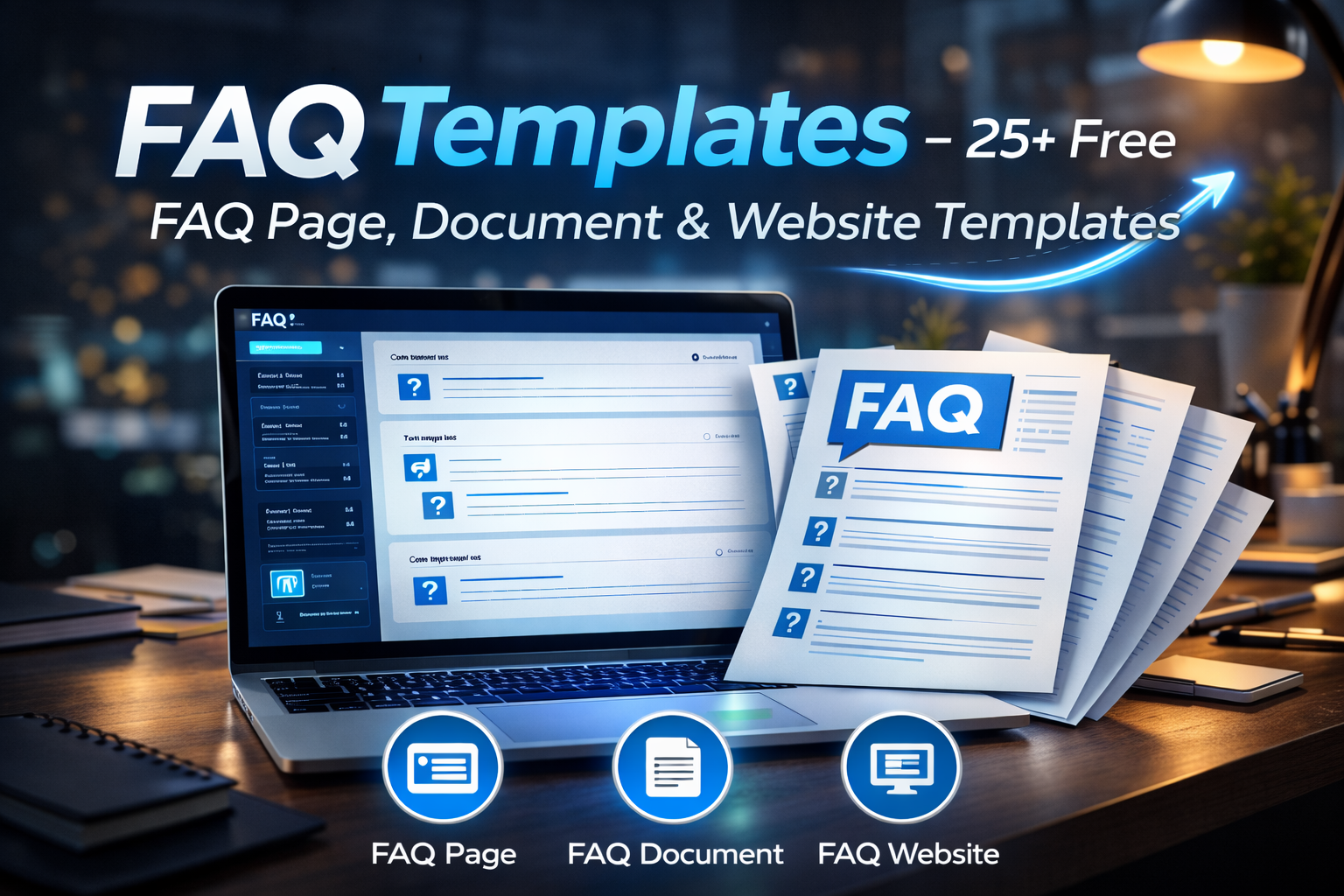
Creating a clear FAQ section is one of the smartest ways to help users quickly find answers. However, many beginners struggle to structure their questions properly. That is where FAQ templates become extremely useful.
A good template organizes questions, answers, and categories in a professional format. As a result, users understand the information faster. In addition, a well-structured FAQ page improves user experience, reduces support requests, and even helps with search engine optimization.
Therefore, whether you run a blog, business website, or online store, using the right FAQ template can significantly improve communication with your audience.
In this detailed guide, you will learn:
- What FAQ templates are
- How to format an FAQ document
- Real FAQ page examples
- Free templates for Word, Excel, PDF, and Canva
- FAQ design ideas for websites and social media
What Are FAQ Templates?
FAQ templates are pre-designed layouts used to create Frequently Asked Questions sections quickly. Instead of designing a format from scratch, you simply insert your questions and answers.
Most templates include:
- Question headings
- Answer sections
- Organized categories
- Clean formatting
- User-friendly layouts
Consequently, businesses and content creators can create professional FAQ pages within minutes.
Moreover, templates ensure that the FAQ section remains consistent, easy to read, and visually organized.
Why FAQ Templates Are Important for Websites
A well-structured FAQ page does much more than answer questions.
First, it improves customer support efficiency. Users often find answers instantly without contacting support.
Second, FAQ sections can help with SEO rankings. Search engines frequently display FAQ content in featured snippets.
Third, FAQ pages increase trust and credibility. When visitors see detailed answers, they feel confident about your brand.
Finally, a properly designed FAQ template enhances the overall user experience of your website.
Types of FAQ Templates
Different platforms require different types of FAQ layouts. Therefore, choosing the right format depends on how you plan to use the content.
Below are the most popular FAQ template types.
FAQ Document Template
A FAQ document template is typically used in customer support, training materials, or company documentation.
Most FAQ documents contain:
- Title section
- Topic categories
- Questions in bold
- Clear, short answers
Example Structure
Question: How do I reset my password?
Answer: Click the “Forgot Password” link on the login page and follow the instructions.
Question: How long does delivery take?
Answer: Delivery usually takes 3–5 business days depending on location.
This structure keeps the document simple and easy to scan.
FAQ Page Template for Websites
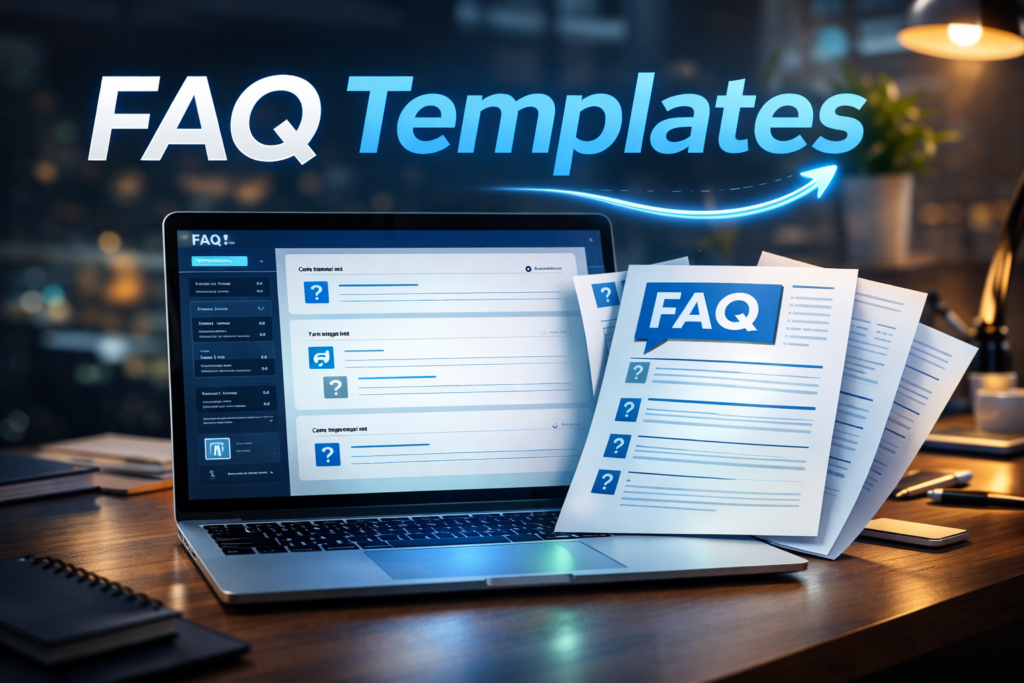
A FAQ page template is designed specifically for websites. These templates usually include collapsible sections or accordion layouts.
Typical website FAQ layout:
- Category heading
- Clickable question
- Expandable answer section
This design reduces clutter while keeping the page clean.
Furthermore, search engines prefer structured FAQ content because it improves readability.
FAQ Page Examples
Looking at examples can help you understand how effective FAQ pages are structured.
Simple FAQ Page Example
Question: What payment methods do you accept?
Answer: We accept credit cards, PayPal, and bank transfers.
Question: Can I cancel my order?
Answer: Yes. Orders can be canceled within 24 hours of purchase.
Advanced FAQ Page Example
Category: Orders
Question: How can I track my order?
Answer: You will receive a tracking link via email once your order ships.
Category: Returns
Question: What is your return policy?
Answer: We offer a 30-day return policy for unused items.
These examples show how categories make the FAQ page easier to navigate.
FAQ Formatting Best Practices
Proper FAQ formatting improves readability and SEO performance.
Here are the most effective formatting tips:
Use Clear Questions
Write questions exactly how users search them.
Example:
“How do I create an account?”
Keep Answers Short
Short answers improve readability. However, include important details when necessary.
Use Headings and Categories
Grouping questions into categories makes the content easier to scan.
Add Internal Links
Link relevant pages such as support articles or product pages.
Use Structured Data
Adding FAQ schema markup helps search engines display your questions in search results.
Free FAQ Template Word
Many businesses prefer Word templates because they are easy to edit.
Typical Word FAQ template layout:
Title: Frequently Asked Questions
Question 1
Answer
Question 2
Answer
Advantages:
- Easy formatting
- Simple editing
- Professional documents
Therefore, Word templates are perfect for support documents and internal guides.
FAQ Template Excel
Excel FAQ templates are useful for organizing large knowledge bases.
Columns may include:
Question
Answer
Category
Keywords
Last updated
This format helps companies manage hundreds of frequently asked questions efficiently.
FAQ Templates PDF
PDF templates are often used for downloadable help guides.
Benefits include:
- Consistent formatting
- Easy sharing
- Professional presentation
For example, many SaaS companies provide sample FAQ document PDF files to help customers understand their services.
FAQ Template Canva
Canva is widely used for visually attractive FAQ designs.
Popular Canva FAQ layouts include:
- Social media FAQ graphics
- Website FAQ images
- Customer support guides
Additionally, Canva allows you to customize colors, icons, and typography quickly.
FAQ Template PowerPoint
PowerPoint FAQ templates are perfect for presentations.
Businesses often use them in:
- training sessions
- product demonstrations
- onboarding presentations
Each slide usually contains:
Question heading
Short explanation
Visual elements
Consequently, audiences can easily understand the information.
FAQ Template Instagram
Social media platforms also benefit from FAQ templates.
Instagram FAQ templates usually appear in:
- story slides
- carousel posts
- highlight covers
Example Instagram Q&A layout:
Slide 1: Question
Slide 2: Short answer
Slide 3: Additional tips
This format keeps followers engaged while answering common questions.
FAQ Template Design Tips
A good FAQ design improves readability and engagement.
Follow these important design principles.
Use Simple Layouts
Avoid clutter. Clean layouts improve comprehension.
Highlight Questions
Make questions bold or larger than answers.
Add Icons
Icons help users scan information faster.
Maintain Consistent Spacing
Consistent spacing creates a professional appearance.
Use Collapsible Sections
Accordion layouts reduce scrolling on long FAQ pages.
Q&A Template Structure
A Q&A template is slightly different from a standard FAQ because it often includes longer explanations.
Typical Q&A structure:
Question
Detailed Answer
Example or Explanation
Additional Resources
This format works well for tutorials, interviews, and educational content.
FAQ Website Examples
Many successful websites use powerful FAQ sections.
Examples of effective FAQ websites include:
E-commerce stores
SaaS companies
Online education platforms
Customer support portals
These websites organize questions into categories such as:
Orders
Payments
Technical issues
Account management
As a result, users quickly locate the information they need.
How to Create a High-Converting FAQ Page
Creating a powerful FAQ page requires more than simply listing questions.
Follow these steps.
1. Research Real Customer Questions
Look at:
- customer emails
- support tickets
- Google search queries
2. Organize Questions by Topic
Categories improve navigation and clarity.
3. Write Clear Answers
Avoid complicated language. Instead, write simple explanations.
4. Add Search Functionality
Large FAQ sections benefit from search bars.
5. Update Content Regularly
Customer questions change over time. Therefore, update your FAQ section frequently.
Free FAQ Templates Download Ideas
You can create downloadable templates in multiple formats.
Examples include:
- FAQ templates Word
- FAQ templates PDF
- FAQ templates Excel
- FAQ template PowerPoint
- FAQ template Canva designs
Offering free templates also increases website traffic because users often search for downloadable resources.
Common FAQ Template Mistakes
Many websites make simple mistakes when creating FAQ pages.
Too Many Questions
Long lists overwhelm users. Instead, focus on the most common questions.
Poor Formatting
Without headings and spacing, FAQ sections become difficult to read.
Outdated Information
Old answers can confuse users. Therefore, keep your content updated.
No Search Function
Large FAQ sections require search functionality.
Avoiding these mistakes ensures your FAQ page remains helpful and effective.
Conclusion
FAQ templates make it easy to create professional, organized question-and-answer sections for websites, documents, and presentations.
Instead of designing a structure from scratch, templates allow you to quickly insert questions and answers into a clean, readable format.
Moreover, well-designed FAQ pages improve user experience, reduce support requests, and strengthen SEO performance.
Whether you need a FAQ document template, Word template, Excel sheet, Canva design, or website FAQ page, the right template will save time and help your audience find answers faster.
Therefore, choosing the right template and formatting it properly can significantly improve both usability and search visibility.